
 English
 Deutsch
 Türkçe
 فارسی
Advertisements on Google
Google Advertising Services
Getting to Know Google Ads
Attracting Targeted Audiences with Google Ads
Google Advertising Services
Managing Google Advertising Campaigns to Increase Site Traffic and Sales.
Increase visibility in search results
Using Google Ads to increase visibility in users' search results.
Targeted ads based on needs
Serving ads based on users' searches and interests to reach a more precise audience.
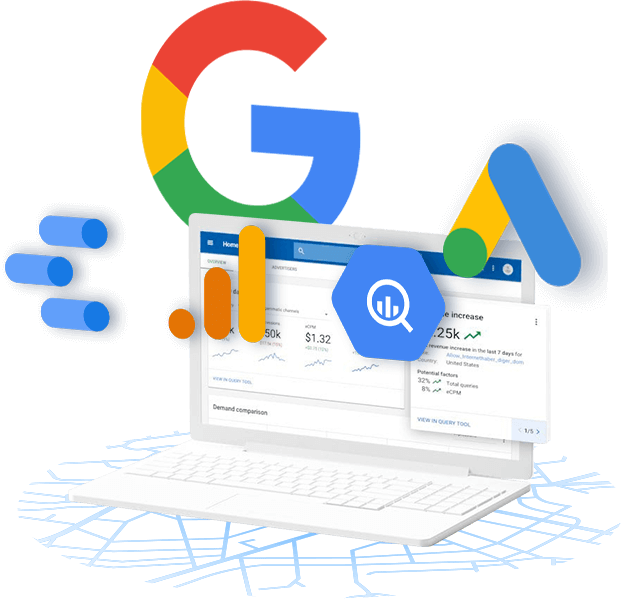
Advertising in Google Search
Displaying ads in search results
Advertising on YouTube
Displaying video ads on YouTube to attract a larger audience.
Advertising on social networks
Advertising on various social networks
Detailed analysis and reporting
Detailed reporting of campaign performance for further optimization
Review data and campaign results for more accurate decision-making.
Advertising on Google search pages
Display ads on Google search results pages to target users.

Advertising with keywords
Using appropriate keywords to accurately attract audiences.
Remarketing ads
Re-engage users by displaying ads after visiting the site.
Special features of Google advertising
Display targeted ads in search results, sites, and social networks with accurate reporting.
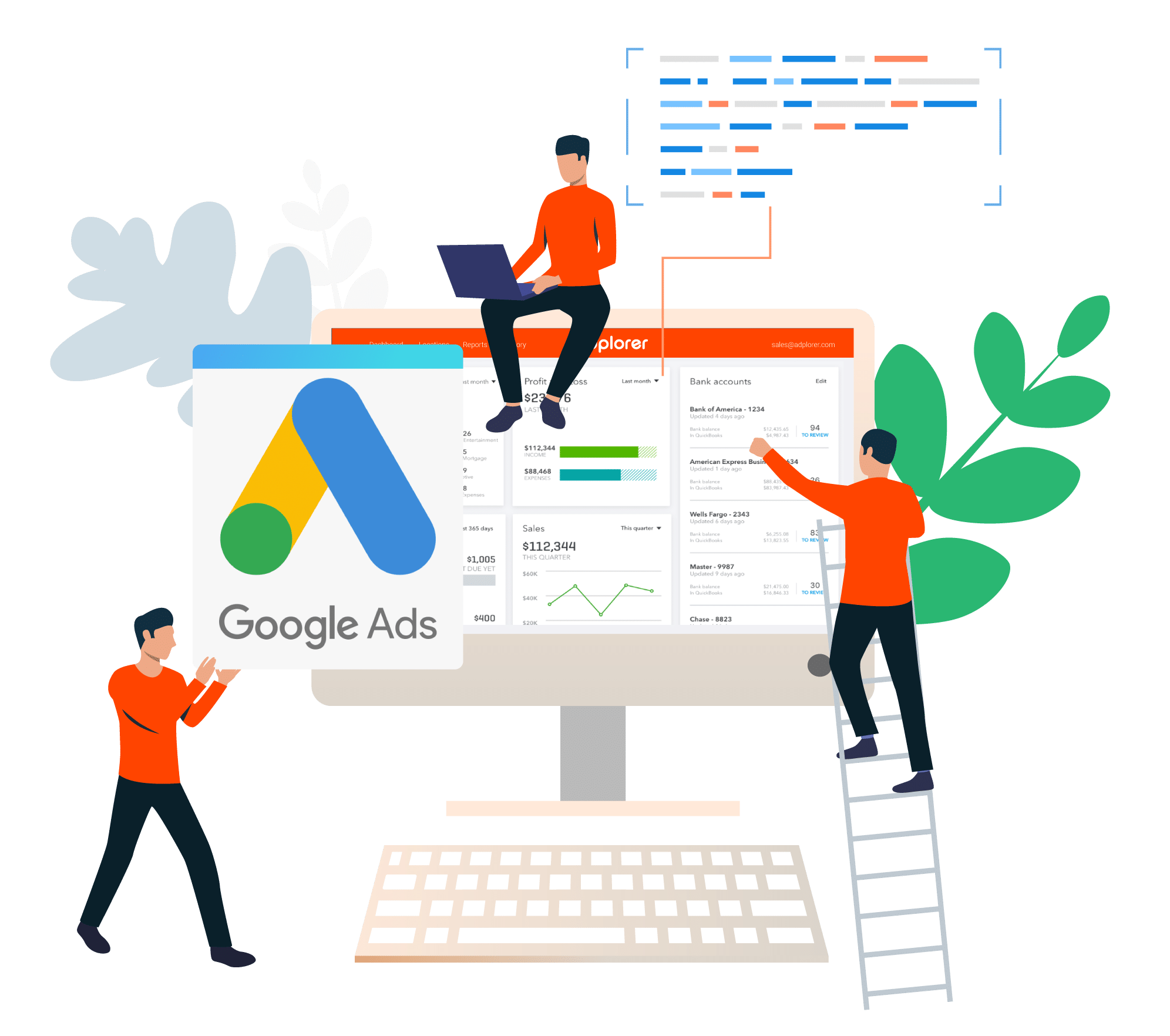
Analysis and optimization
Examining data to optimize campaigns and increase advertising efficiency.
In-app advertising
Display ads in mobile applications and increase access to a larger audience.
Precise geographic targeting
Determine geographic location to display ads to users in specific areas.
Five steps to running a Google advertising campaign
Step One
Keyword Research
Identify the best keywords for effective ads.

Step Two
Ad Design
Design attractive text, image or video ads.
Step Three
Set a budget
Set a daily budget for your advertising campaign.
Step 4
Launching your campaign
Running your campaign on Google and monitoring its performance.
Step 5
Optimizing and refining
Reviewing your campaign results and optimizing for maximum return.
Menus
Related-Menus
OtherContent
Google Ads Service Tariff and Cost

Basic Package
Simple Campaign
Simple Text Ads to Attract Initial Traffic
Basic Keyword Selection
Monthly Reporting
Limited Geographic Targeting
Display ads on Google search
Limited daily advertising budget
Email support
3,000,000 Tomans
Advanced
Targeted Campaign
Targeted Ads to Attract Real Customers
Choosing More Precise Keywords
Accurate and Daily Reporting
Regional and Geographic Targeting
Advertising in Search, YouTube, and Apps
Using Remarketing
24-hour support
Campaign analysis and optimization
6,000,000 Tomans
Professional
Comprehensive campaign
Comprehensive advertising campaign for all brand needs
Complete Google Ads Management
Advanced analytics and dedicated reporting
Precise customer targeting
A/B testing for further optimization
Dedicated support and consulting
Display ads on all Google platforms
12,000,000 Tomans
Corporate
Branding ads
Advertising for branding and attracting major customers
Creating marketing strategies for companies
24-hour reporting and advanced analytics
Precise targeting based on geographic location
Targeted campaigns with remarketing
Strategic consulting and data analysis
15,000,000 Tomans
Custom
Custom campaign
Designing completely customized advertising campaigns for your business
Using all Google tools to attract more
Complete consultation and data analysis
Campaign testing and optimization
Broad advertising across all platforms
Dedicated 24-hour support
Contact us (starting at 20,000,000 Tomans)